
Tours y vídeos
Haga un tour o vea un tutorial
Tours interactivos y grabaciones de pantalla breves que muestran las tareas habituales. Pruebe uno aquí o copie el enlace para enviárselo a un compañero o cliente.
 Tour interactivo
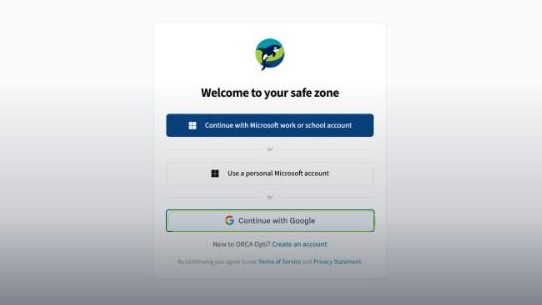
Sign in to ORCA with your Google account
Sign in to ORCA Opti with your Google work account. See each step, why Google's 2-step verification appears, and what stays inside your Safe Zone.
Hacer el tour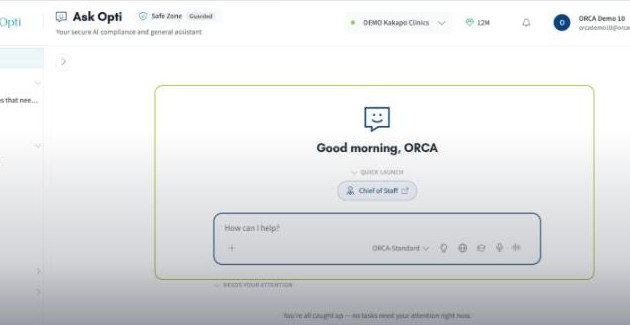 Tour interactivo
Sign in with Microsoft and open Opti Assist
Sign in to ORCA Opti with your Microsoft work or school account, open Opti Assist, choose an AI model, and ask your first question.
Hacer el tour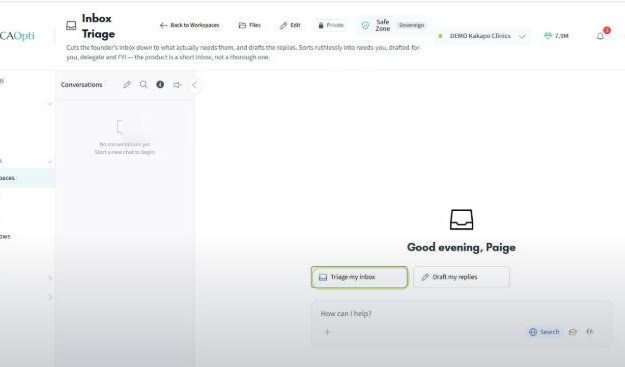 Tour interactivo
Connect your email inbox for inbox triage
See how to connect your Microsoft 365 or Google inbox to ORCA, then open the inbox triage Workspace to get a view of your inbox in one click.
Hacer el tour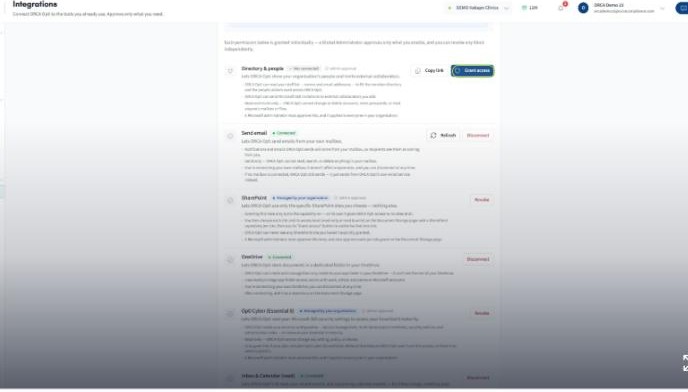 Tour interactivo
Review, revoke and re-grant Microsoft 365 permissions
See where ORCA's Microsoft 365 permissions live, grant the access you want, revoke any you want to withdraw, and confirm a full revoke in Microsoft Entra.
Hacer el tour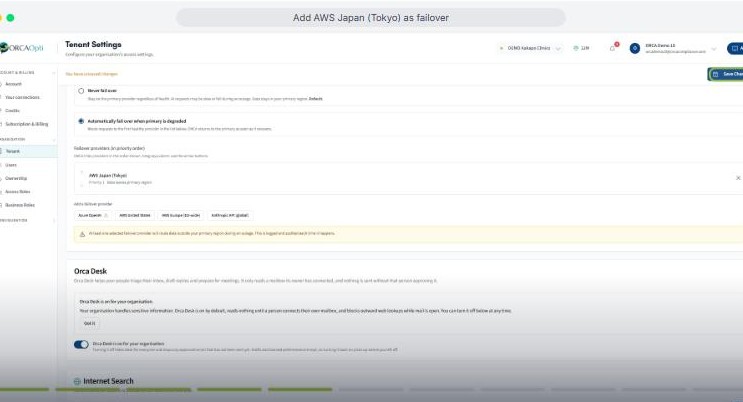 Tour interactivo
Set up AWS Japan failover for your AI
Add AWS Japan (Tokyo) as a failover region so ORCA keeps responding if your primary region is degraded. Optional, admin-controlled, logged and audited.
Hacer el tour Vídeo0:52
How to check a user account's access level
A short walkthrough showing where to find a user's role and permissions in ORCA Opti, so you can confirm exactly what access an account has been given.
Ver¿Todavía necesita ayuda?
Envíe una solicitud de soporte a nuestro equipo y le responderemos.